Today and tomorrow
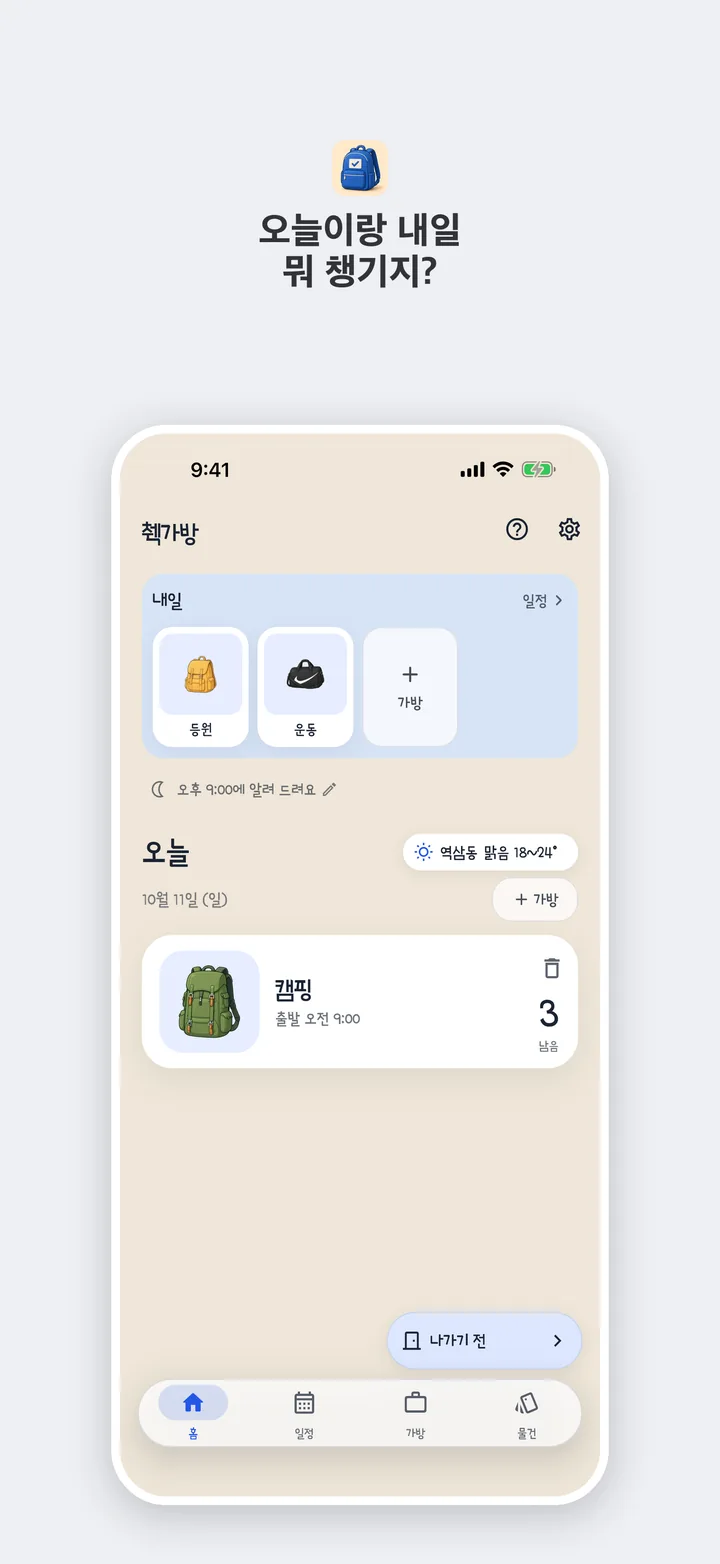
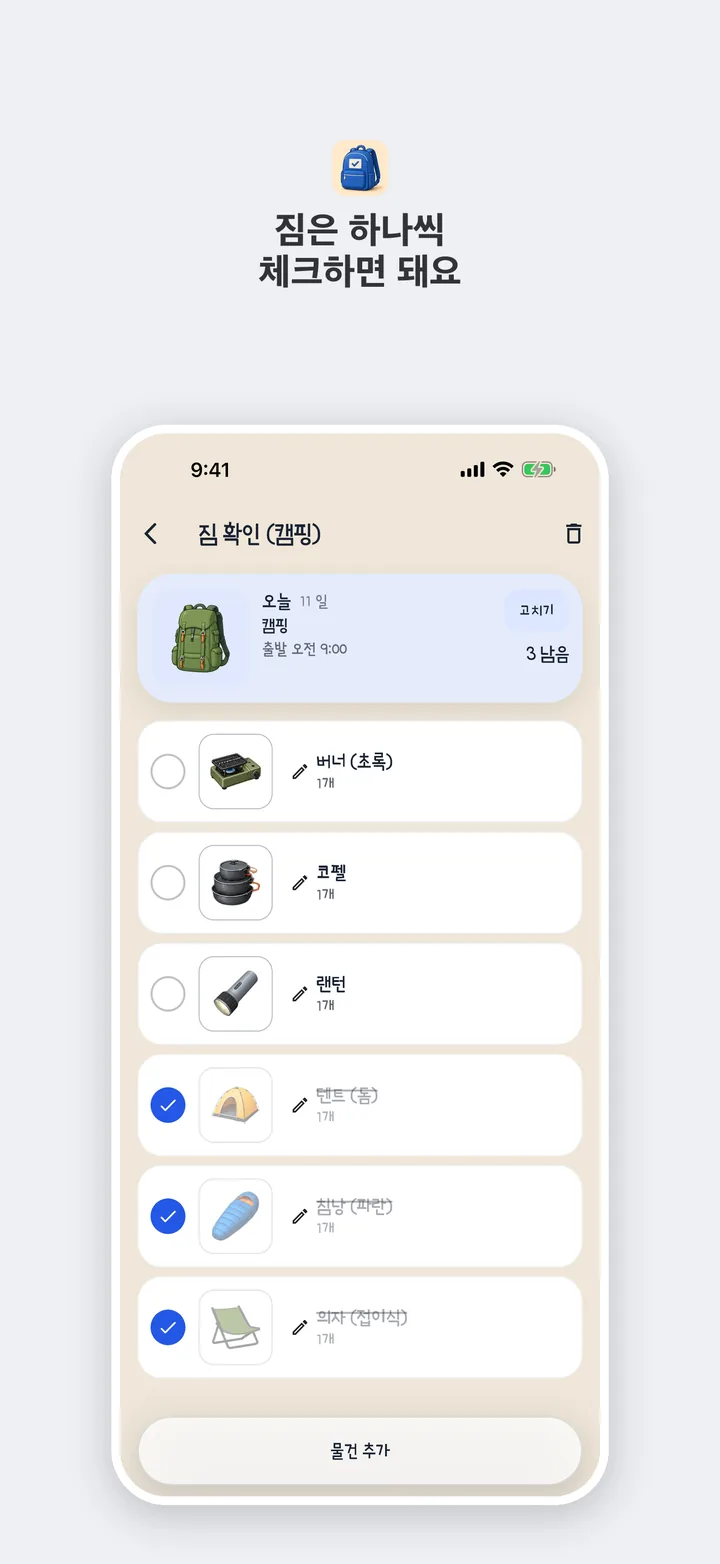
On Home, look at tomorrow's bags first, and today only shows what is left. Open a bag, tick things off, and it becomes All packed.
Today and tomorrow, what are you packing?
You can download it now.
On Home, look at tomorrow's bags first, and today only shows what is left. Open a bag, tick things off, and it becomes All packed.
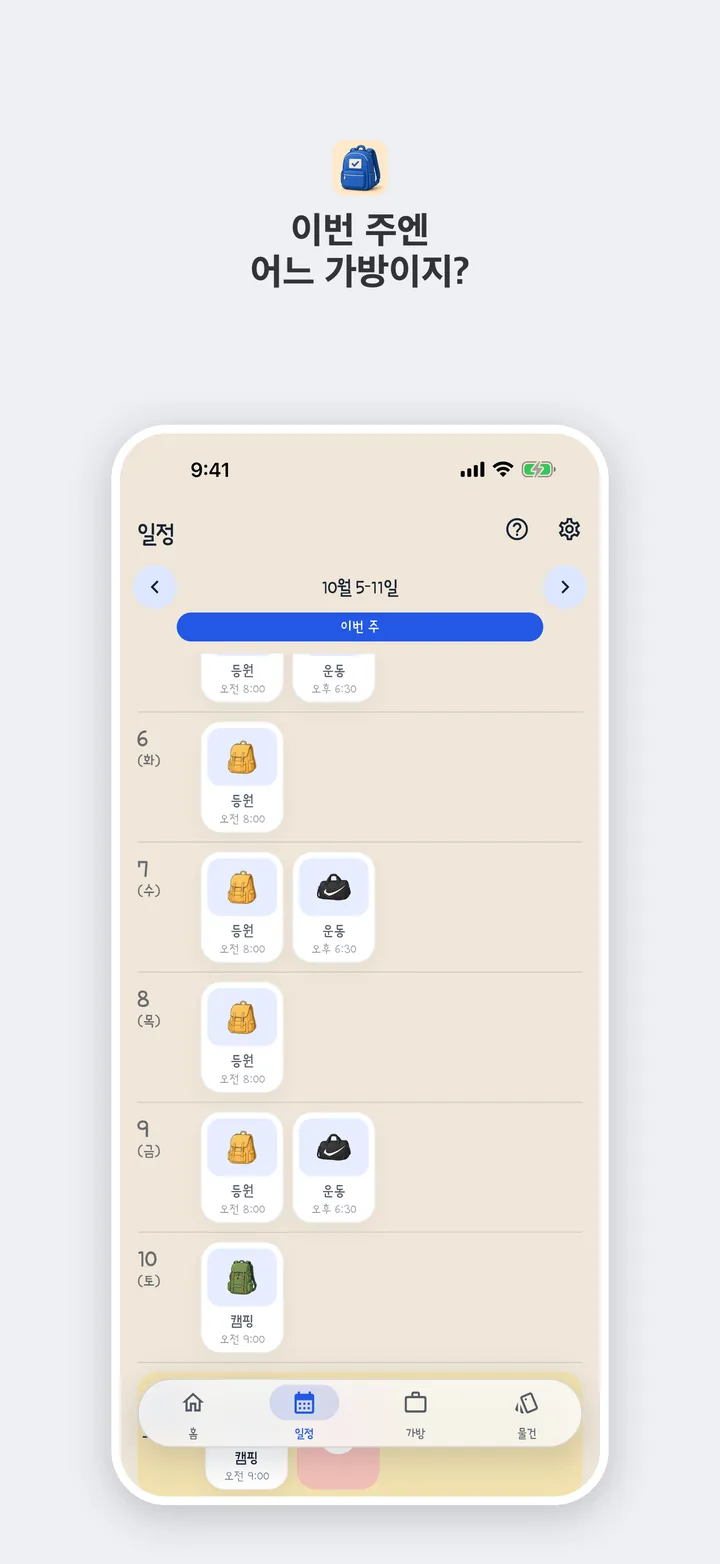
Schedule shows which bag belongs to which day. Keep work, gym, and school bags apart, and choose the days you use them.
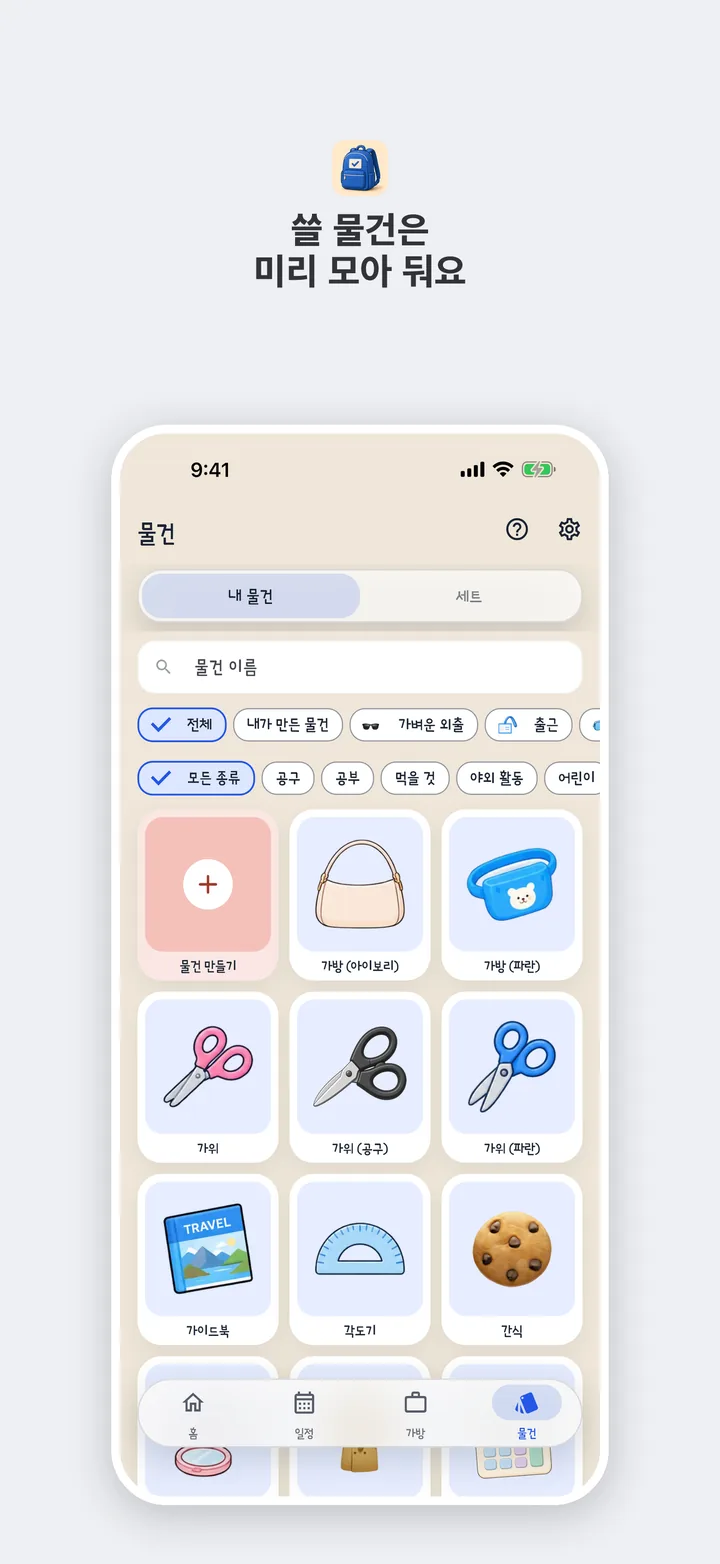
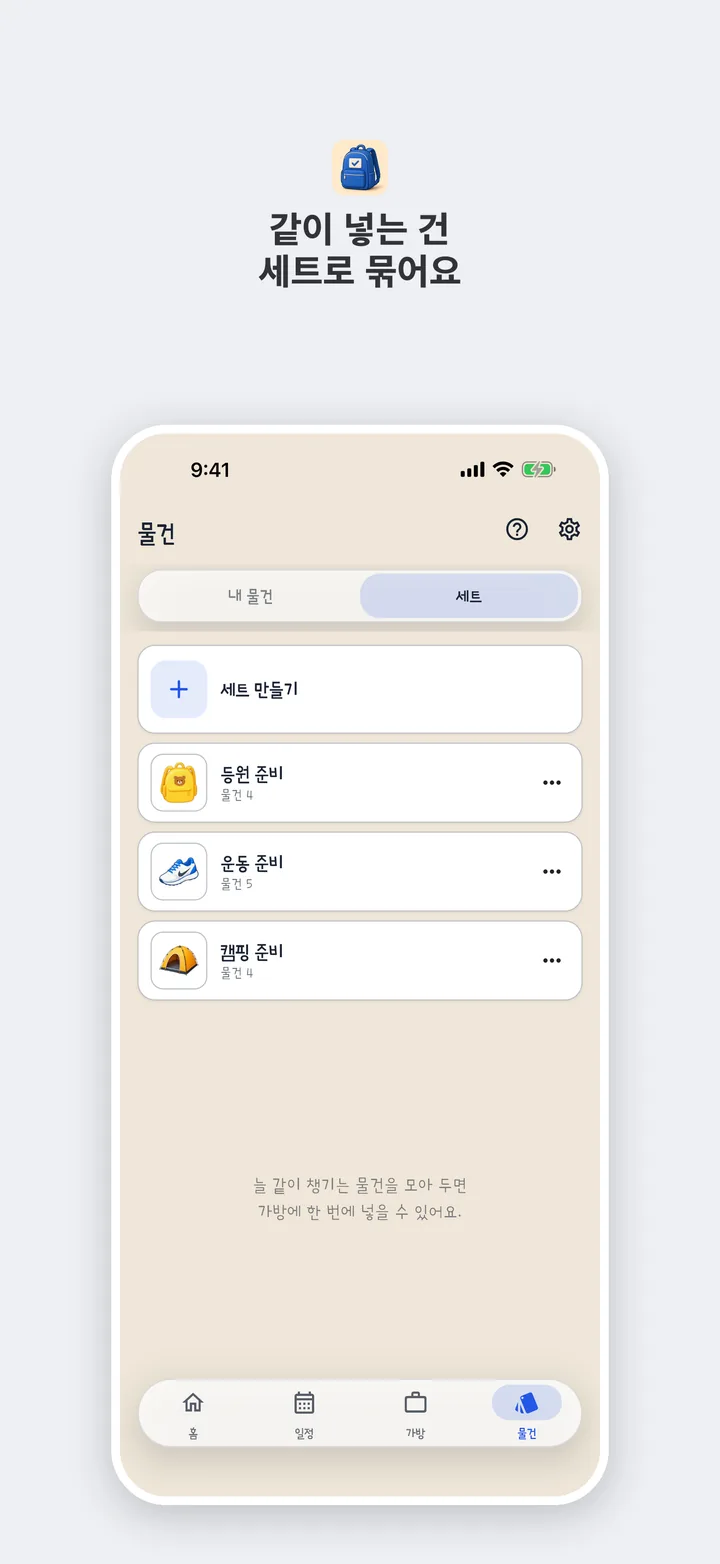
Gather things you use ahead of time. Things you always take together can sit in a set and go into a bag at once.
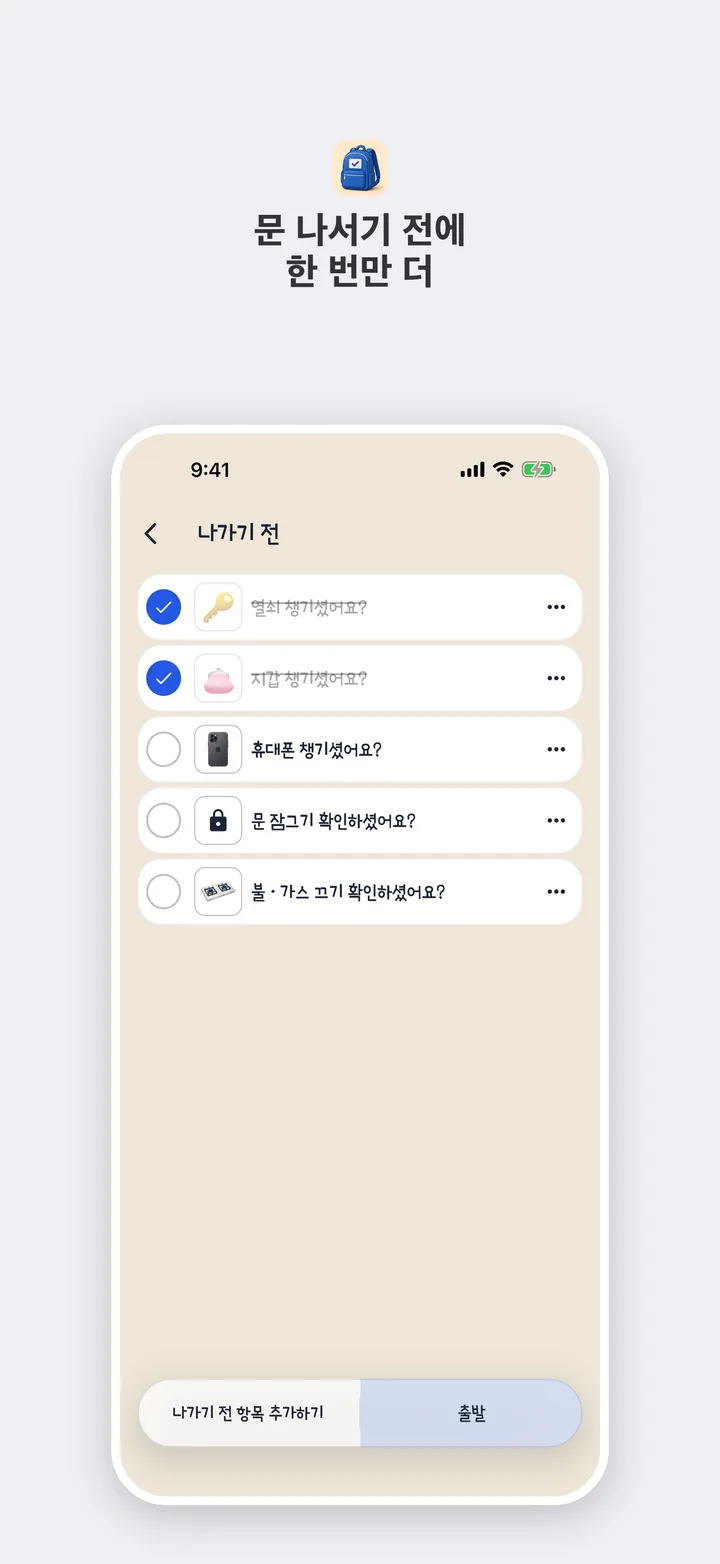
Check your keys, wallet, and phone once more. Add or hide items, then tap Leave and that outing is done.
In Korean it sounds like a school bag, with a little check on the end.
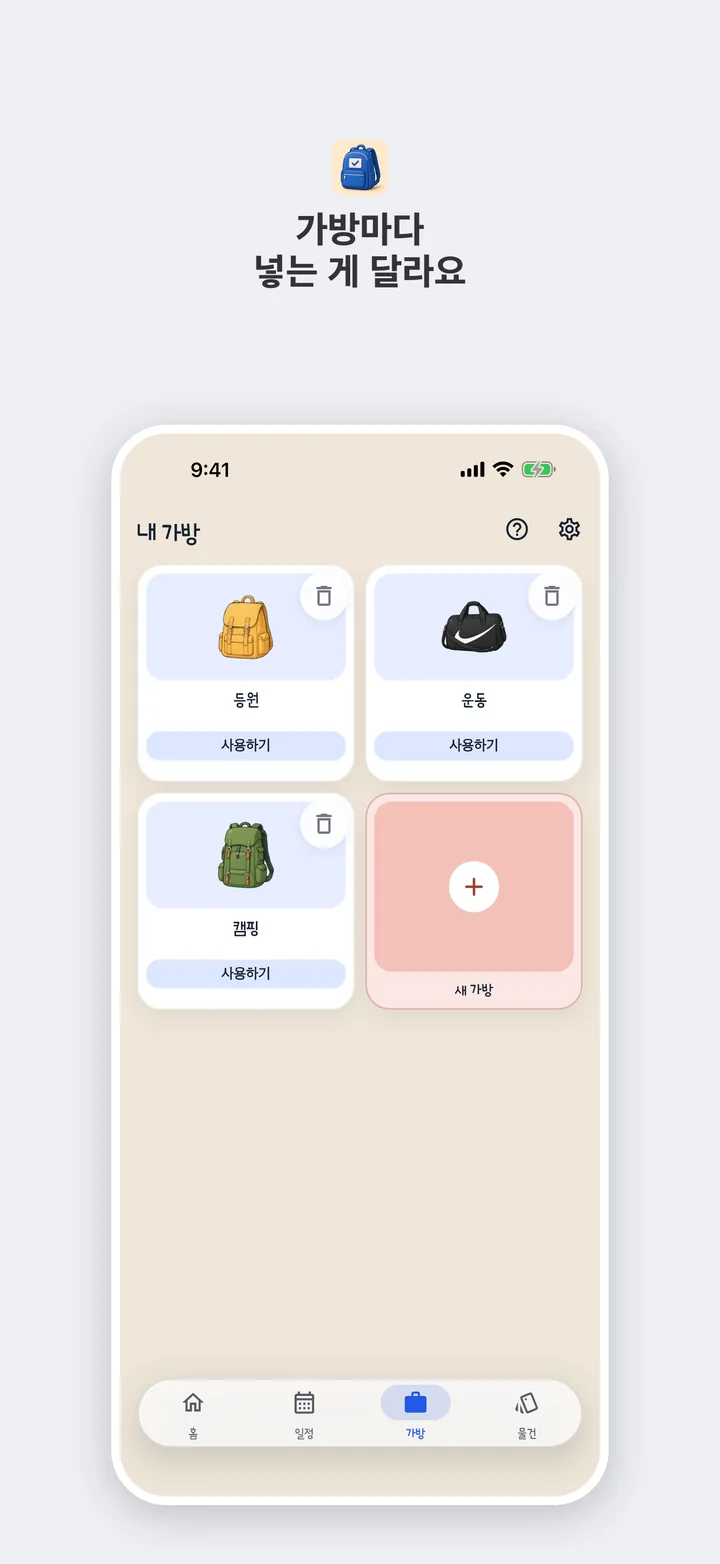
Split what you carry for work, school, and the gym.
Tick things as they go in. When the bag is full, the reminder says it is checked.
Not a to-do list. Empty today's bag, and you are done.
You only hear about tomorrow if that bag still has things left. Before you leave, another nudge comes at the time you set. Turn it off or change the time in Settings.
See the weather here and where you are going. The app uses a location only to show the weather, and it does not save it.
No account. Bags, things, sets, and photos stay here, and they do not sync to another device on their own. Save a file in Settings to move them. That file is not uploaded. The app does not pull plans from your calendar or mail, so you make bags and things yourself.
A banner sits on Home and the bag list. Full-screen ads start a week after install, when you open the app, finish packing, or head out. They do not show often. Bag names, notes, and photos are not sent to ads.
You can download it now.